Response Actions
Below each response, a row of icons lets you give feedback or act on that response.
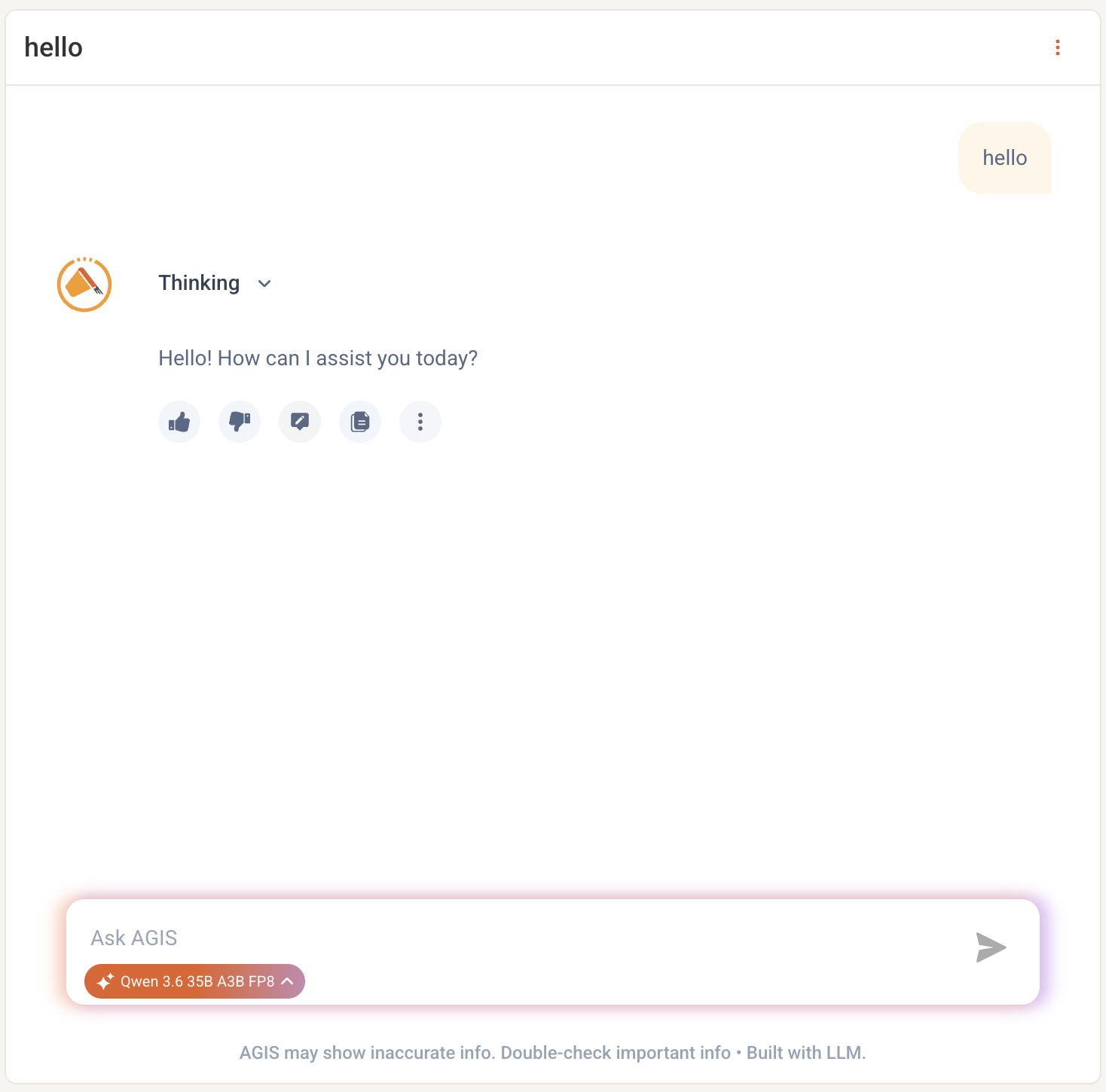
| Icon | Action | Description |
|---|---|---|
 | Good response | Mark the response as helpful/correct |
 | Bad response | Mark the response as unhelpful/incorrect |
 | Feedback comment | Leave a written comment about the response |
 | Copy | Copy the response text |
 | More actions | Opens a menu with additional actions (see below) |
More Actions Menu
Clicking the ⋮ (more actions) icon opens a menu with the following options:
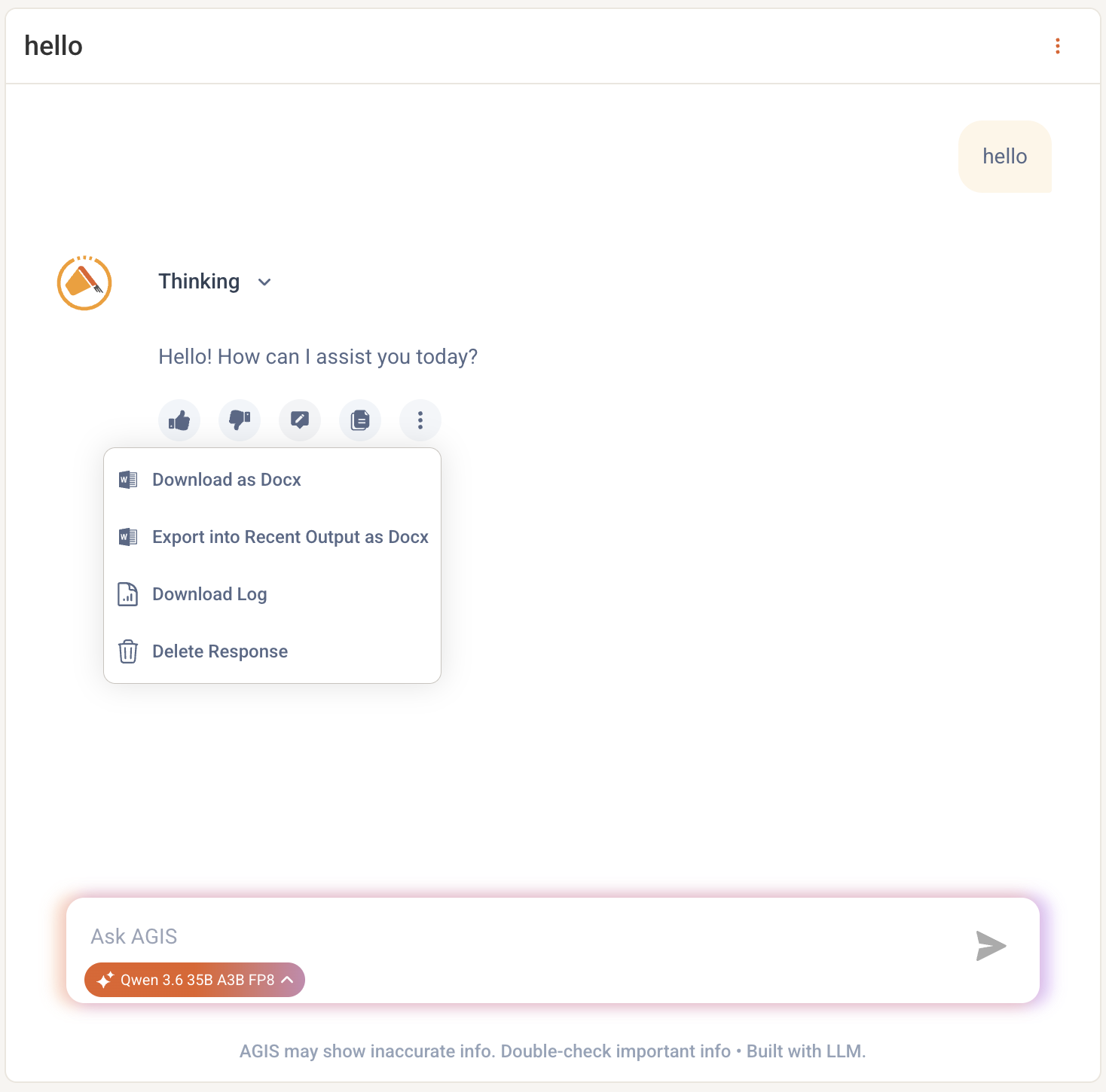
| Option | Description |
|---|---|
| Download as Docx | Download the response as a .docx file |
| Export into Recent Output as Docx | Save the response as a .docx file into Recent Output |
| Download Log | Download the log/trace of the response |
| Delete Response | Delete the response from the chat |
